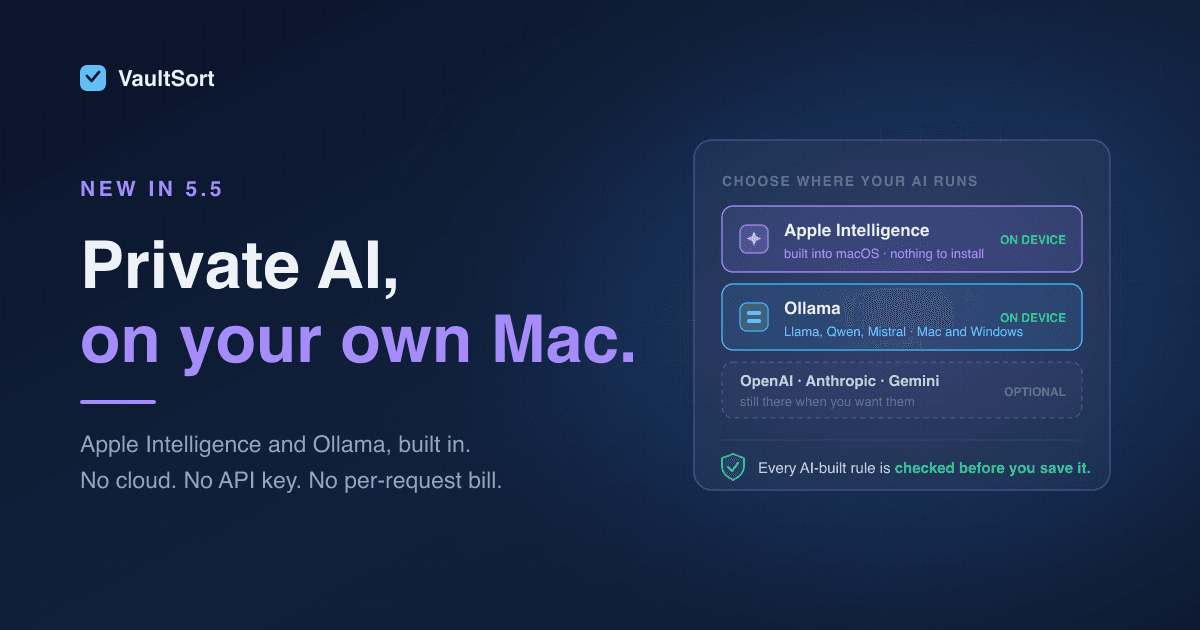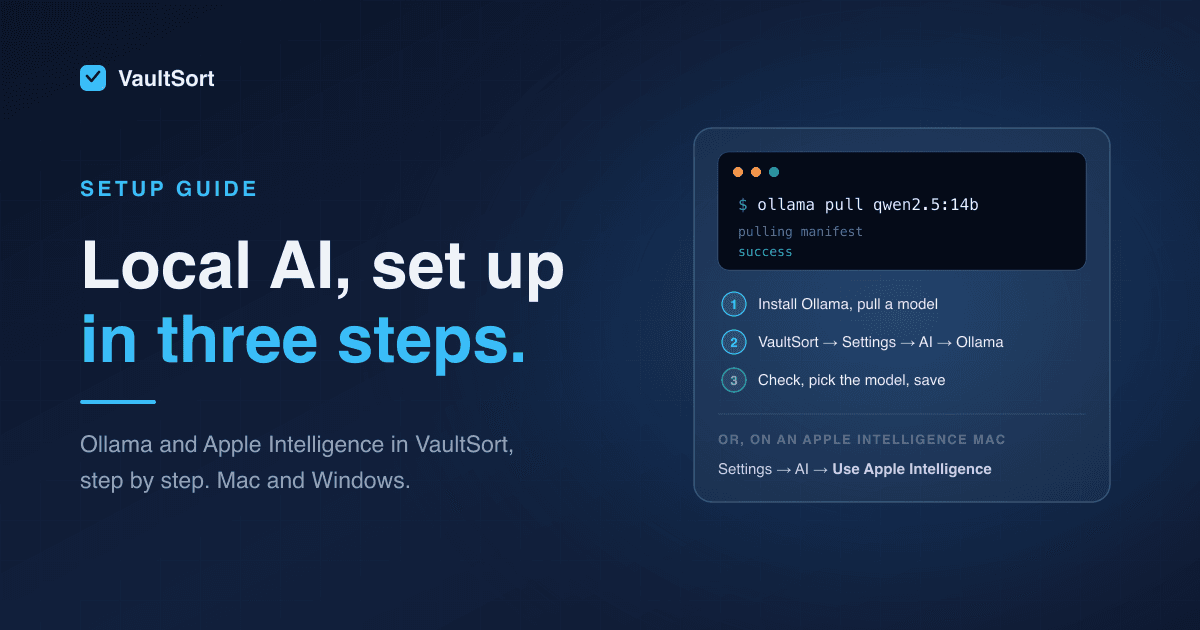
Today we're shipping VaultSort's first AI-powered feature.
AI Job Builder lets you create advanced file organization rules by describing what you want in plain English. Type a sentence, wait ten seconds, and get a complete rule set — loaded directly into the Visual Rule Builder where you can review, edit, and approve before anything runs.
No manual node-by-node building. No learning curve. No files move without your say-so.
This is the biggest feature update since we launched Advanced Organization Rules, and it signals where VaultSort is headed: toward an intelligent file management platform that gets smarter without sacrificing the control and privacy our users expect.
Why We Built This
VaultSort's Visual Rule Builder is one of our most powerful features. Full AND/OR/NOT boolean logic, file predicates for type, size, date, name patterns, nested conditions — it's a proper decision graph that can handle genuinely complex automation.
But power comes with complexity. Building a rule set that sorts your Downloads folder into six categories with date-based subfolders takes 10–20 minutes of manual work. For experienced users, that's friction they'd rather skip. For new users looking at the Rule Builder for the first time, it can feel like staring at a blank spreadsheet.
We wanted to solve both problems without dumbing down the tool.
AI Job Builder doesn't replace the Visual Rule Builder. It generates a starting point — a complete rule set that you can inspect, modify, and refine. The Rule Builder stays exactly as powerful as it's always been. AI just removes the cold-start problem.
How It Works
The flow is deliberately simple:
1. Describe What You Want
Open the AI Job Builder and type a plain English description of the organization you need:
"Move screenshots from Desktop to a Screenshots folder, organized by month"
"Organize Downloads — PDFs to Documents, ZIPs to Archives, images to Pictures"
"Move files older than 90 days from Desktop to an Archive folder"
There's no special syntax. No template format. Just say what you want.
2. AI Generates the Rules
AI Job Builder sends your prompt (and VaultSort's rule schema) to your configured provider — OpenAI, Anthropic, or Google Gemini — and receives back a structured rule set. Typical generation time is 5–15 seconds.
The generated output includes:
- Predicates — file type, extension, name pattern, date, size
- Boolean logic — AND/OR/NOT conditions, nested as needed
- Folder structure — destination paths and subfolder patterns
- Metadata — Finder tags, if requested
3. Review and Run
The generated rules load directly into the Visual Rule Builder. You see exactly what the AI created — every node, every condition, every destination path. Nothing is hidden.
From there, the workflow is the same as any manually-built job:
- Edit any rule that needs adjustment
- Dry-run to preview exactly which files would move where
- Execute when you're satisfied with the preview
If the AI got something wrong — and it sometimes will, especially with ambiguous or very niche requests — you fix it in the Rule Builder. Ten seconds of AI generation plus a minute of manual refinement still beats ten minutes of building from scratch.
Privacy: BYOK and Nothing More
This was a non-negotiable design constraint. VaultSort is a security and privacy tool. We weren't going to build a cloud backend, store API keys on our servers, or proxy requests through infrastructure we'd have to maintain and secure.
Instead, AI Job Builder uses a BYOK (Bring Your Own Key) model:
- You provide your own OpenAI, Anthropic, or Google Gemini API key in VaultSort's settings
- The key is stored locally on your Mac, in the app's sandboxed storage
- VaultSort sends the prompt directly from your machine to your chosen provider
- We never see, store, or proxy your key
What gets sent: Your text prompt and VaultSort's rule schema (so the AI knows the output format).
What never leaves your Mac: Your API key, your file names, your file contents, your personal information.
This is a hard architectural boundary, not a policy decision. There is no VaultSort server in the middle. The request goes from VaultSort on your Mac to OpenAI, Anthropic, or Google. That's it.
What It Costs
Google Gemini: Free. Google offers free API keys for Gemini through Google AI Studio. The free tier is generous enough for file organization prompts, and you can start using AI Job Builder without spending a cent on API costs.
OpenAI and Anthropic: Under $0.01 per generation. AI Job Builder uses lightweight models — GPT-4o Mini from OpenAI or Claude 3.5 Haiku from Anthropic. These are fast, cheap, and well-suited for structured output generation. $5 of API credit covers well over 1,000 generations.
VaultSort's cost is $0. We have no API infrastructure, no proxy servers, no usage metering. The BYOK model means AI Job Builder scales with zero marginal cost for us and zero-to-near-zero cost for you.
Who It's For
If you're a power user with complex organization needs: AI handles the tedious boilerplate — the repetitive predicates, the nested conditions, the folder structure scaffolding. You spend your time fine-tuning in the Visual Rule Builder instead of building from scratch.
If you're new to VaultSort and the Rule Builder feels intimidating: Start with AI. Describe what you want. See what the tool generates. Learn the rule system by reading and editing AI output instead of building blind.
If you're a developer or tech-savvy user who already has an OpenAI, Anthropic, or Gemini API key: You're paying for it anyway — or nothing at all with Gemini's free tier. Put it to work.
If you're a content creator managing large photo or video libraries: "Sort photos by date taken and camera model" is a sentence. Try saying that to a drag-and-drop file organizer.
If those media libraries live on USB SSDs or backup drives, pair AI rules with our External Drive Cleaner for Mac workflow to reclaim space faster.
If you're a student or researcher drowning in Downloads: "Move PDFs to Research, spreadsheets to Data, everything else to Archive" takes three seconds to type and ten seconds to generate.
What AI Job Builder Is Not
We want to be clear about what this feature does and doesn't do:
It is not a chatbot. There's no back-and-forth conversation. You write a prompt, AI generates rules, you review them. Single-shot generation, not a dialogue.
It does not move files automatically. AI generates rule definitions. You load them into the Rule Builder, dry-run them, and execute them yourself. The safety model is identical to manually-created rules.
It does not always get it right. For common organization scenarios — sorting by file type, date-based folders, cleanup rules — it works well. For very niche or ambiguous requests, you may need to refine the output manually. That's why the full Rule Builder is always there.
It does not require an internet connection for VaultSort itself. But the AI generation step does require internet access to reach your provider's API. Everything else in VaultSort works fully offline.
What This Signals
AI Job Builder is VaultSort's first AI-powered feature. It won't be the last.
We've spent the last year building a foundation: a rule engine backed by a proper AST, a visual builder that surfaces full boolean logic, a dry-run system that previews results before execution, and an operation log that records every action for auditability. That foundation makes AI integration natural — not bolted on, but deeply connected to the decision-making system that already powers VaultSort's automation.
We're not chasing AI hype. We're applying it where it genuinely reduces friction, and we're doing it in a way that respects user control, privacy, and transparency.
More AI-powered capabilities are on the roadmap. We'll share details when they're ready.
Try It Today
AI Job Builder is available now for all VaultSort Premium users.
To get started:
- Update VaultSort to the latest version
- Open Settings → AI and add your API key (OpenAI, Anthropic, or get a free Gemini key)
- Create a new Advanced Organization job
- Click "AI Job Builder" and describe what you want
- Review the generated rules, dry-run, and execute
If you're on the free tier, upgrade to Premium to unlock AI Job Builder along with every other premium feature — secure deletion, encryption, YubiKey integration, Space Saver, operation log, and more. One-time purchase, $24.99, lifetime license.
If you're already on Premium, update and try it. We'd love to hear what you think.
AI Job Builder uses your own API key — OpenAI, Anthropic, or a free Google Gemini key. VaultSort never sees, stores, or proxies your key. Free with Gemini, or under $0.01 per generation with OpenAI and Anthropic.