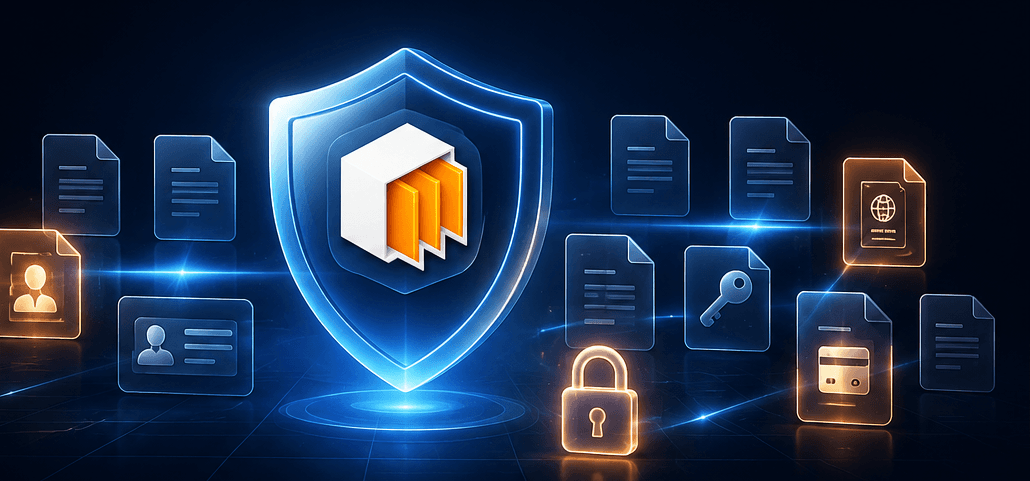
Somewhere on your Mac right now, there's probably a passport scan in Downloads. A few years of tax PDFs on the Desktop. A recovery-codes screenshot. Maybe an SSH key in a folder that syncs to the cloud.
Nobody audits this stuff — because until now, nothing could do it without reading your most sensitive files on someone else's servers.
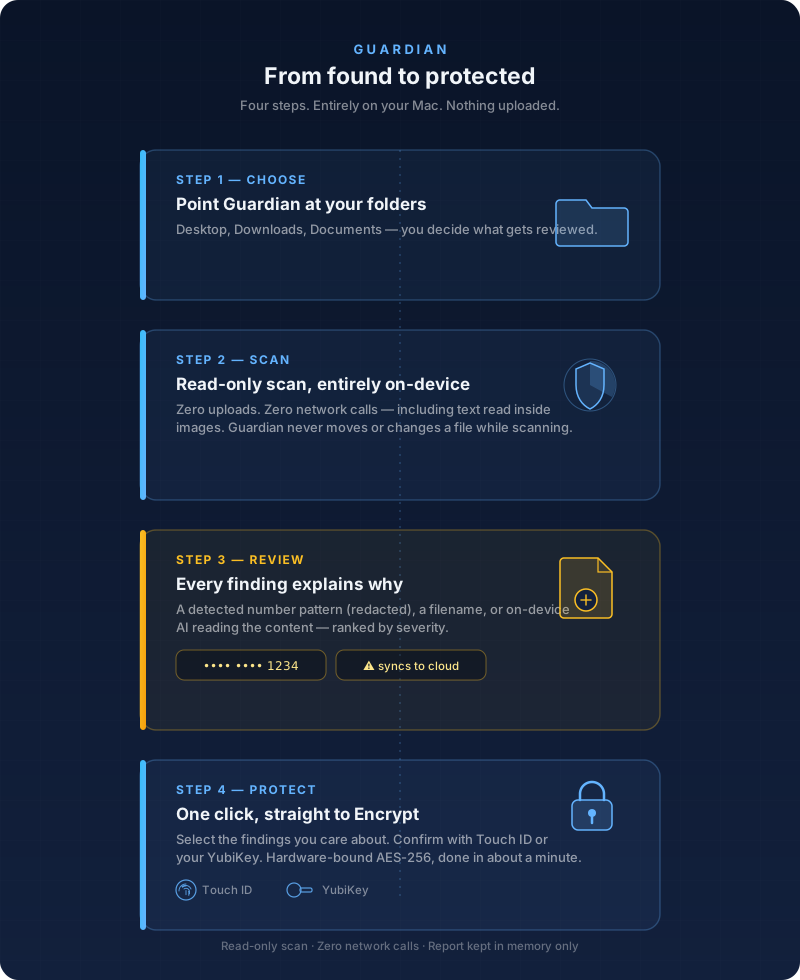
VaultSort 4.4.0 introduces Guardian: an on-device scan that reviews the folders you choose and flags files that likely hold sensitive information — identity documents, financial and payment details, credentials and keys, and medical or legal records.
VaultSort 4.4.0 — free trial
Run Guardian, organize with local AI, encrypt with Touch ID or a YubiKey, and clean up your Mac. One app. One-time purchase. Runs entirely on your Mac.
Why this is different
Every "AI file organizer" that wants to understand your files does it by uploading them. For exactly the files Guardian looks for, that's self-defeating — you'd be handing your tax returns to a cloud API to find out they're exposed.
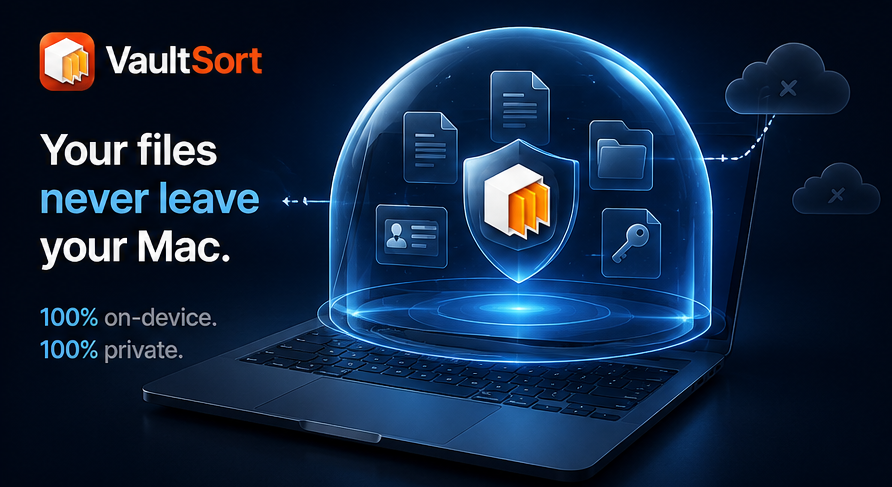
Guardian runs entirely on your Mac:
- Zero uploads, zero network calls. The analysis happens on-device, including reading text inside images.
- Read-only by design. Guardian never moves, changes, or deletes anything on its own.
- Nothing is stored. The report lives only in memory — Guardian doesn't create a map of your sensitive files.
What a scan gives you
Every finding tells you why it was flagged — a detected card or ID number pattern (shown redacted, never in full), a filename that says what it is, or on-device AI reading the content. Findings are ranked by severity, and Guardian warns you when a sensitive file sits in a cloud-synced folder — meaning a copy already lives off your Mac.
Then the part that matters: select the findings you care about and hand them straight to Encrypt. Hardware-bound AES-256, confirmed with Touch ID or your YubiKey. From "I had no idea that was there" to "locked" in about a minute.
Also in 4.4.0
- Smart Categorize reads images now. Turn on OCR to sort screenshots and photos by the text inside them — recognition runs fully on-device.
- Smarter photo handling. Images group by kind and get named from what's actually in them (goodbye "Screenshots (2)", "Screenshots (3)"…), plus a new Videos group.
- Redesigned Rule Builder. Cleaner panels, plain-language rule summaries, live validation, keyboard shortcuts.
- Content search in scheduled jobs. Rules that match on file contents can now run automatically on a schedule or on watched folders.
Get it
VaultSort 4.4.0 is a free update for existing users — update in the app or grab the latest from the site.
New here? VaultSort is a one-time purchase — $24.99, no subscription — for organization, encryption, secure deletion, and now Guardian.
Read the full feature page: vaultsort.com/guardian.
Try VaultSort free
Guardian ships with every copy of VaultSort — along with everything else the app does:
- Guardian — find exposed identity documents, financial records, credentials, and medical files, entirely on-device
- Local AI file organization — categorize thousands of files in seconds, no cloud required
- Hardware-bound encryption — Touch ID and YubiKey support with the V4 format
- Secure file deletion — secure wiping matched to your Mac's storage
- Duplicate finder — find and remove duplicate files, photos, and audio
No account required. No subscription. $24.99 one-time purchase, with a free trial to start.
Your files never leave your Mac — VaultSort runs 100% locally with zero telemetry. Read the privacy policy to see exactly how your data is handled.
Download VaultSort
Find what should be locked, and lock it. Try Guardian free — no account required.
Related: Guardian · How encryption works · Touch ID setup guide · All features · System requirements