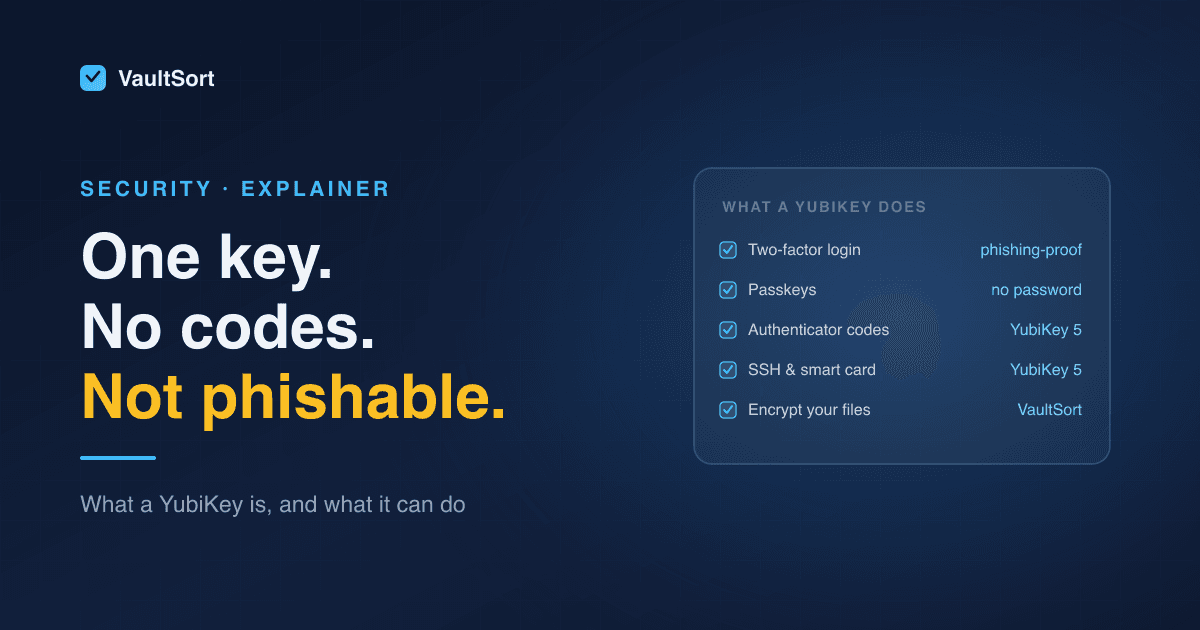
A YubiKey is a small hardware security key, made by Yubico, that plugs into a USB port or taps against a phone. Instead of typing a code from a text message or an authenticator app, you touch the key, and it proves to the website or app that it's really you.
It sounds like a small change. It's the single strongest protection most people can add to their important accounts. Here's why, and what else a key can do once you have one.
How a YubiKey Works (Without the Jargon)
When you register a YubiKey with an account, the key creates a pair of cryptographic keys. The private one never leaves the YubiKey; there's no way to copy it out. When you sign in, the website sends a challenge, the key signs it, and the site checks the signature.
Two things make this stronger than passwords and codes:
- It can't be phished. The key checks which website is asking. A convincing fake login page on a look-alike domain gets nothing, because the key won't answer for the wrong site. A six-digit code, by contrast, can be typed into a fake page and relayed to the real one.
- It can't be stolen remotely. There's no secret to leak in a data breach or intercept over the network. Someone would need the physical key, and usually your PIN as well.
YubiKey 5 Series vs Security Key Series
Yubico sells two main lines, and the difference is what the key supports:
| YubiKey 5 series | Security Key series | |
|---|---|---|
| FIDO2 / passkeys | Yes | Yes |
| FIDO U2F (older two-factor) | Yes | Yes |
| Smart card (PIV) | Yes | No |
| OpenPGP | Yes | No |
| One-time codes (TOTP, Yubico OTP) | Yes | No |
| Price | Higher | Lower |
If you just want to secure logins and use passkeys, the Security Key series covers it for less. If you also want to store authenticator codes on the key, use it as a smart card at work, or sign with PGP, get a YubiKey 5.
Both come in USB-A and USB-C, and with NFC for tapping against a phone. Choose the connector that matches the devices you'll use most.
What You Can Use a YubiKey For
1. Two-factor login for your important accounts
Google, Microsoft, Apple, password managers, social networks, banks that support it, and many work systems accept a security key as the second factor. Start with your email account. Whoever controls your email can reset almost everything else.
2. Passkeys
Passkeys replace passwords entirely. The YubiKey can store them, so you sign in with the key and a PIN, no password at all. Keeping passkeys on a hardware key, rather than synced through a cloud account, means they exist only on that physical device.
3. Authenticator codes (YubiKey 5)
With Yubico's Authenticator app, a YubiKey 5 can hold the six-digit codes for sites that don't support security keys yet. The secrets live on the key instead of your phone, so a lost or replaced phone doesn't take them with it.
4. SSH, smart card and PGP (YubiKey 5)
For developers and IT, a YubiKey 5 can hold SSH keys, act as a PIV smart card for signing in to work machines, and store OpenPGP keys for signing commits and encrypting email.
5. Encrypting your files
A security key can also protect files on your own computer, not just accounts. VaultSort uses a YubiKey on Mac and Windows to encrypt files and folders:
- The key derives a secret that never leaves it, and that secret protects each file's AES-256 encryption key.
- You can register several keys (a main key and a backup) and give them names.
- A recovery code, created when you register your first key, is the way back in if every key is lost.
- It works with the YubiKey 5 series and the Security Key series, and other FIDO2 keys that support the PRF (hmac-secret) extension.
- Older U2F-only keys such as the YubiKey 4 aren't compatible. VaultSort checks when you register a key.
The same key can also unlock the encrypted Vault, alongside Touch ID, Windows Hello or a password. How VaultSort encryption works explains the design in plain language.
Why You Should Buy Two
A single YubiKey is a single point of failure. If it's lost, broken or left in a hotel room, you need another way in.
- Buy two, and register both with every account and app you set up.
- Keep one on your keyring and the other somewhere safe at home.
- Keep each service's recovery codes somewhere offline too. Most services give you a set when you add a security key.
If you only have one key and lose it, you fall back on whatever recovery method each service offers. For file encryption, that's the recovery code, which is why VaultSort makes you save it before encrypting anything.
Common Questions
Does a YubiKey need a battery or an app? No battery. For most logins, no app either: your browser and operating system support it directly.
Does it work with iPhone and Android? Yes, through NFC or a USB-C or Lightning model, for services that support security keys.
What happens if someone steals it? On its own it's not enough to get into your accounts. Logins still need your password, or the key's PIN for passkeys. Remove it from your accounts using your backup key.
Is a YubiKey worth it? For email, your password manager and financial accounts, yes. It's the most effective protection against phishing that most people can buy.
Already have a YubiKey? See what VaultSort does with one, or download VaultSort for Mac or Windows.